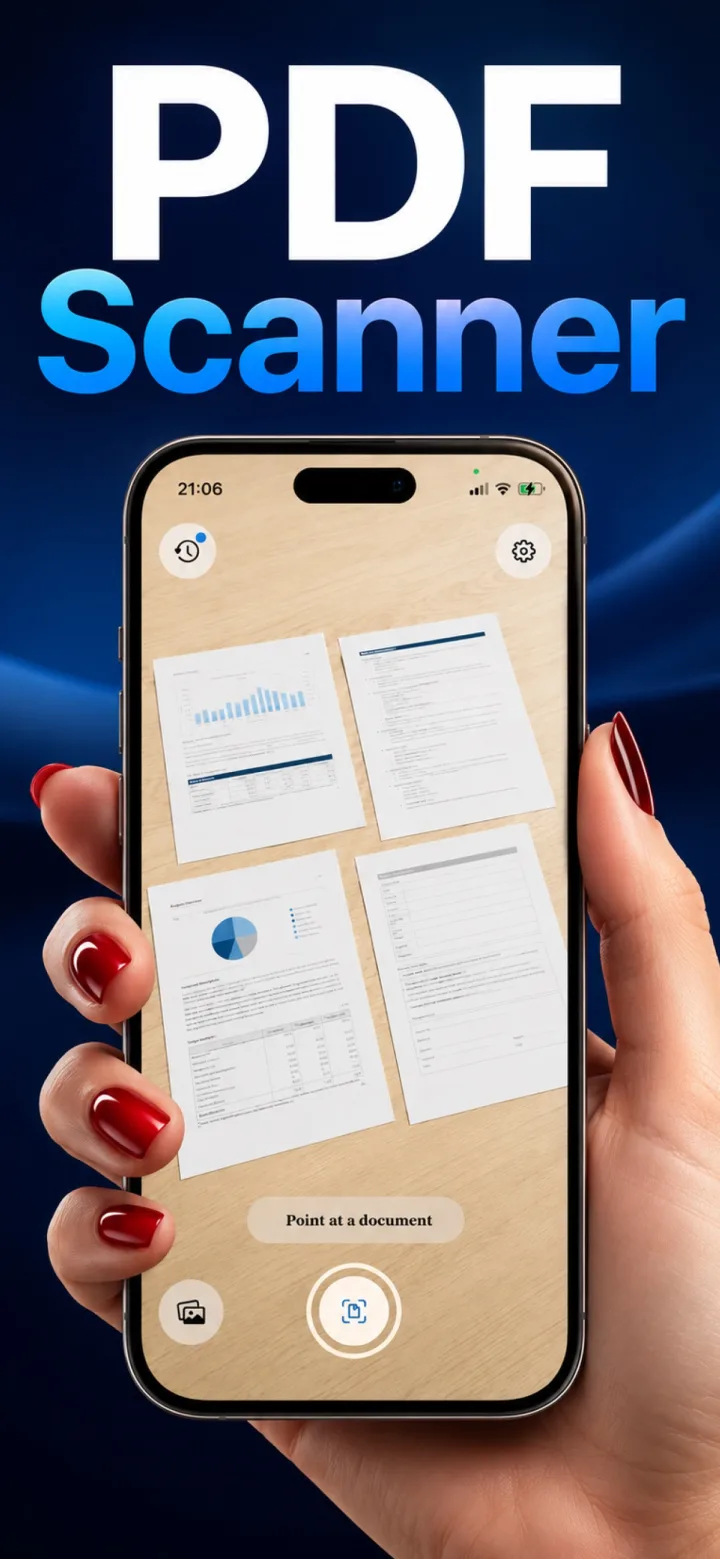
Auto-detect scanning uses real-time computer vision to find a document's edges in the camera feed and decide the exact moment to capture — without any tap from you.
Finding the edges
The app analyzes contrast between the document and its background, looking for four strong corners that form a roughly rectangular shape — this is why a document photographed on a plain, contrasting surface detects faster and more reliably than one on a cluttered or similarly colored background.
Deciding when to capture
Rather than snapping the instant a rectangle is found, most auto-detect systems wait for a brief stability window — typically under a second of the detected rectangle staying still — to avoid capturing a blurry, still-moving frame.
Why this beats a manual shutter
Removing the decision of exactly when to tap means less blur from hand movement at the moment of capture, and a faster overall scanning flow for multi-page documents.
Why does auto-detect sometimes fail to lock on?
Low contrast between the document and background, poor lighting, or a heavily patterned surface underneath the page are the most common causes — moving to a plain, well-lit surface usually resolves it immediately.