The PDF scanner that never uploads your documents.
Lumi is the privacy-first PDF Scanner for iPhone. Point at any document and Lumi auto-captures, dewarps, and saves a clean scan — entirely on your device. No accounts, no cloud, no tracking.
From open app to exported PDF
Three steps, no account, no upload.
Open the camera
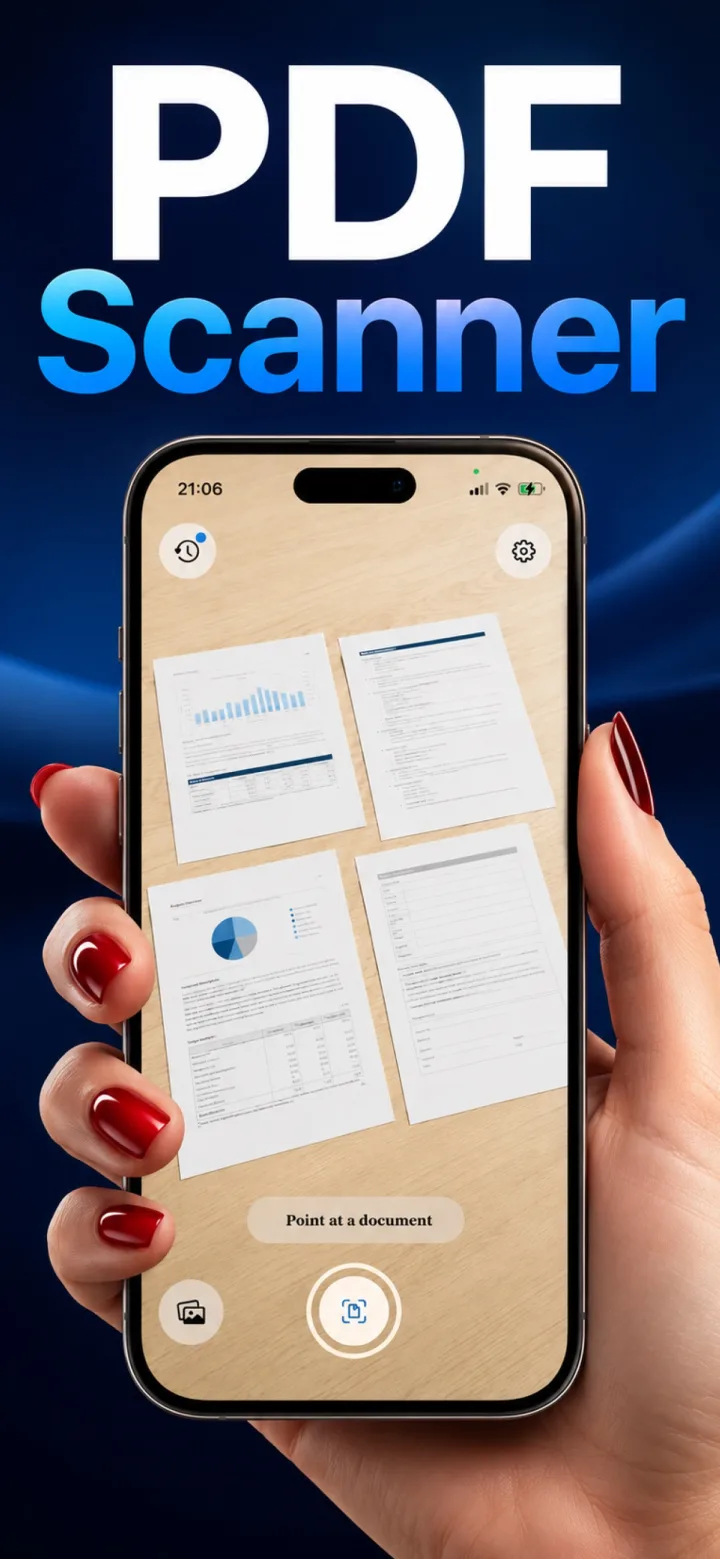
Lumi opens straight to the camera — no home screen, no setup. Point at any document.
Hold steady
Auto-detect locks onto the edges. Hold for half a second and it auto-captures, dewarps, and sharpens.
Export or edit
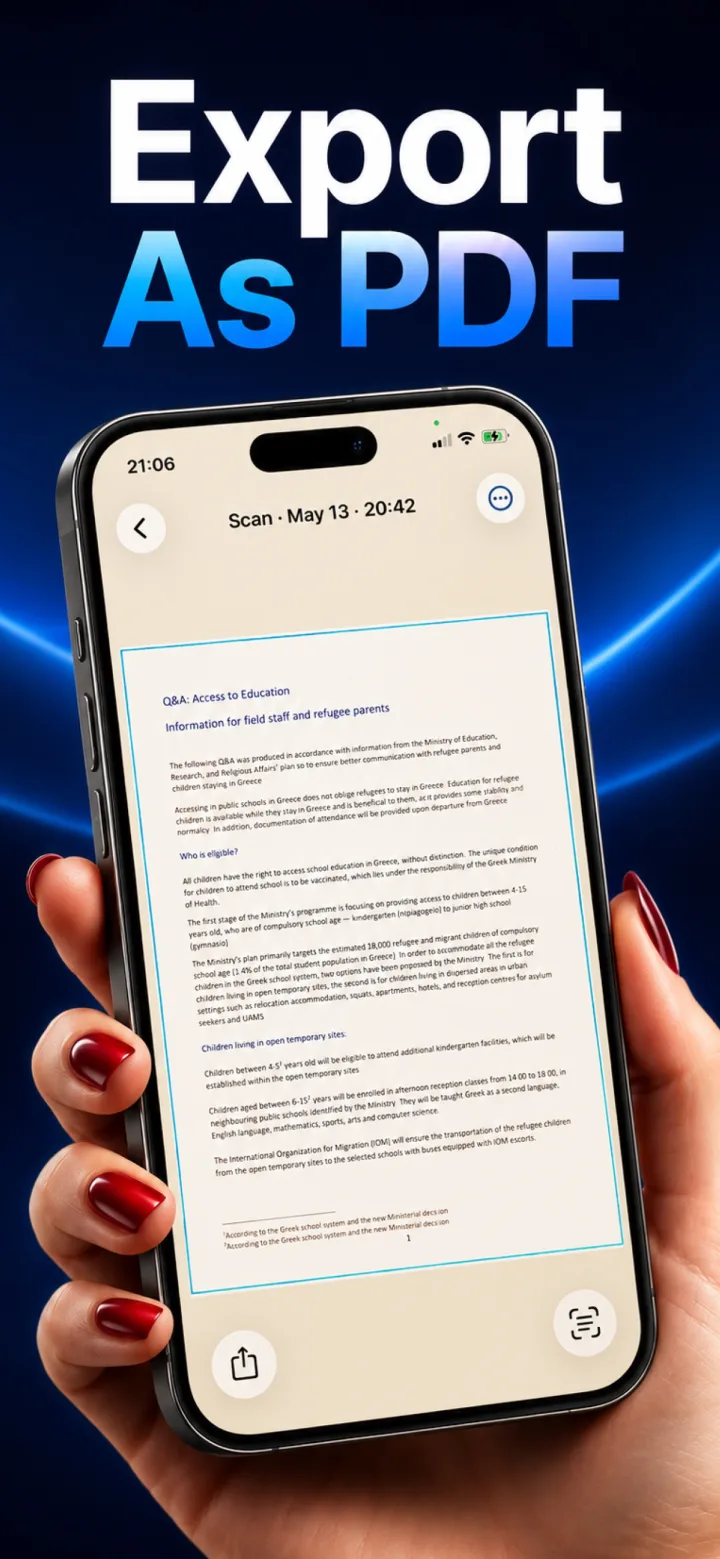
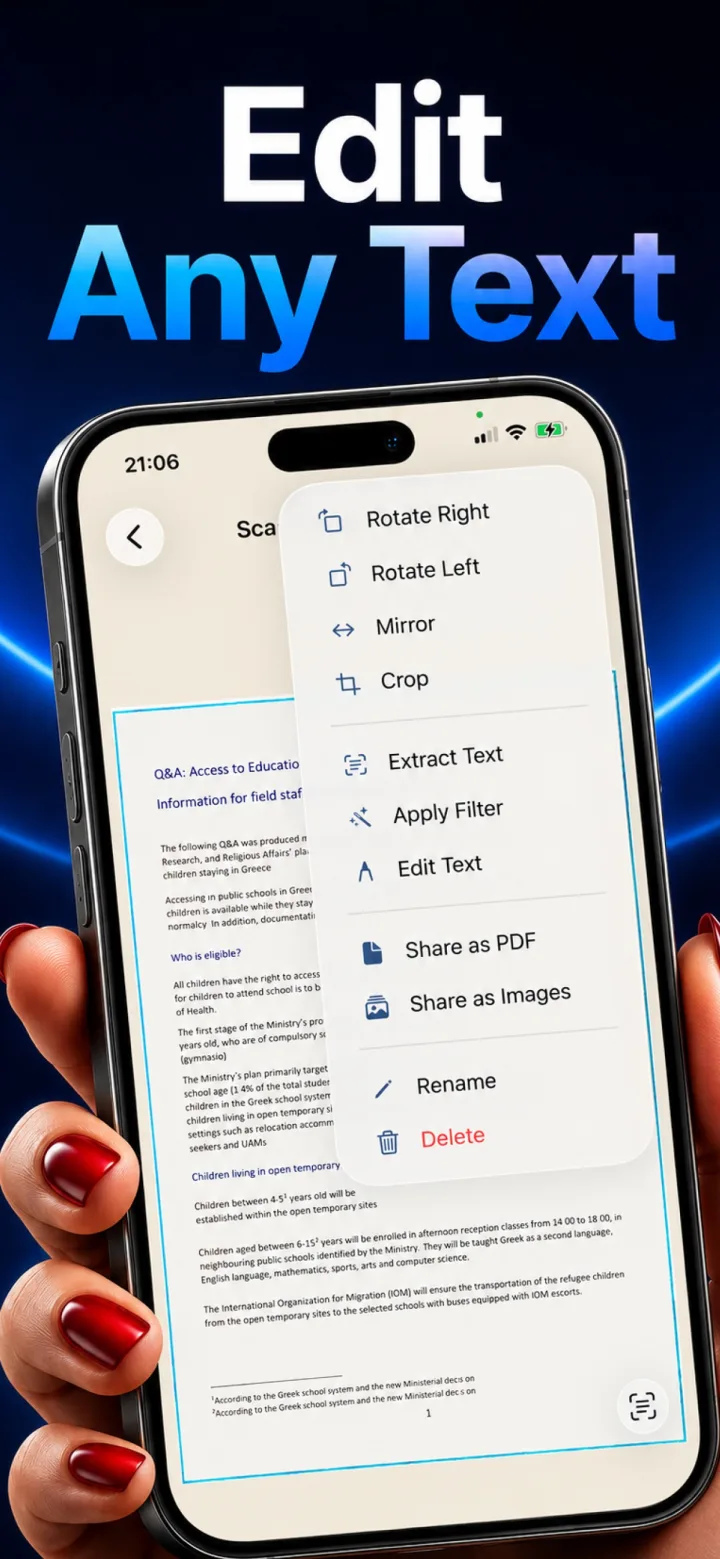
Extract text, apply a filter, merge pages, or export straight to PDF — all on your device.
A complete scanner, not just a camera filter
Auto-Detect, Instantly
Point your camera at a document and Lumi locks on. Hold steady for half a second and the scan happens — no shutter to press, no edges to drag.
Truly On-Device
Unlike most scanner apps, Lumi has no server. Your scans never leave your iPhone — nothing to upload, no account to sign in to, nothing for us to see.
Multi-Page & Merge
Capture page after page and Lumi groups them into one document. Pick any scans from History and merge them into a single sorted PDF anytime.
On-Device OCR & Live Text
Pull selectable, searchable text out of any scan — printed pages, handwriting, stylized fonts. Runs locally with Apple's on-device intelligence, no API calls.
Edit Text & Filters
Cover any printed text and type a replacement — fix a typo or redact a name. Sharp brings words forward; B&W gives a clean monochrome look.
Scan Anything
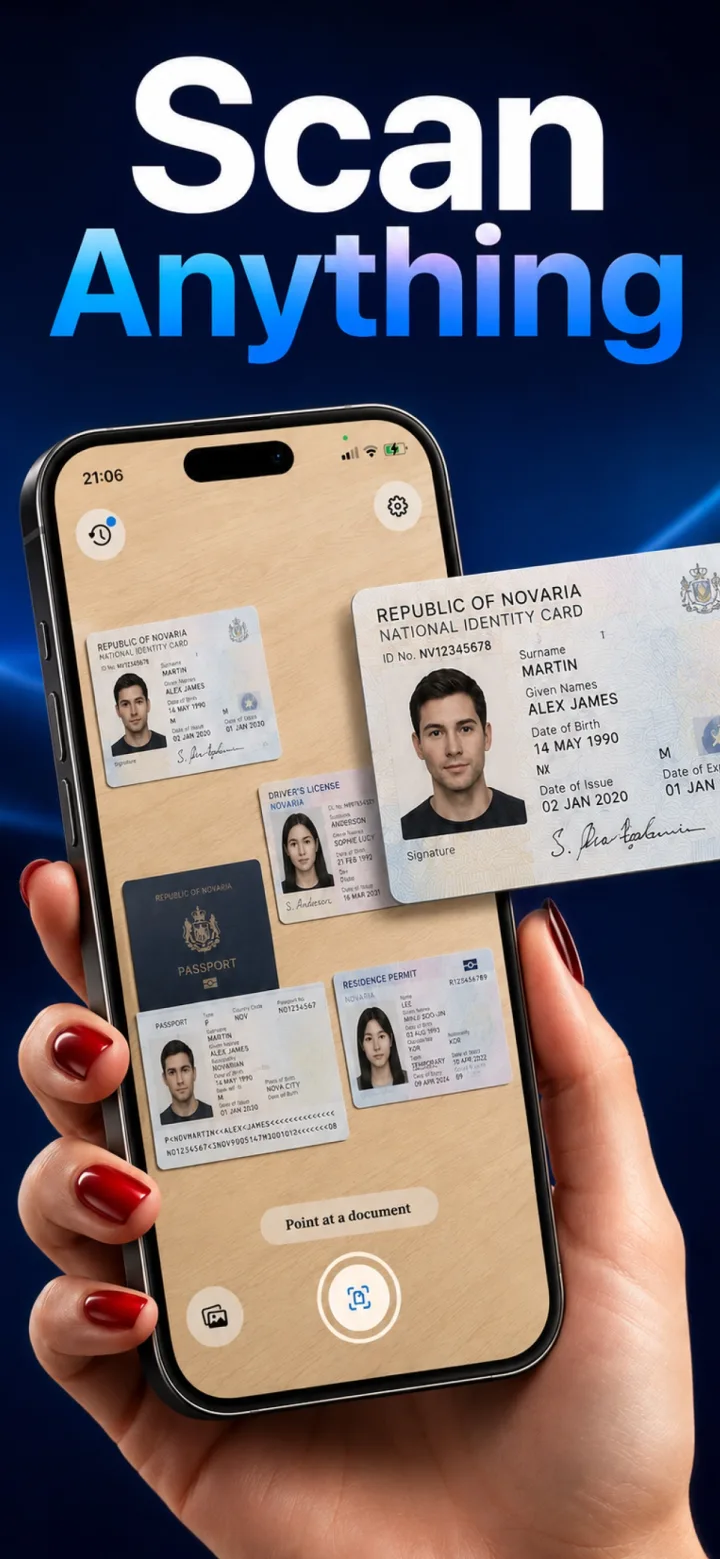
Documents, ID cards, passports, receipts, whiteboards, screenshots from Photos — the same crystal-clear, dewarped result every time.
See it scan real documents, in real time
Everything a modern PDF scanner should do
Most scanner apps quietly upload your documents
Most PDF scanner apps quietly upload your documents to "AI servers" or "cloud OCR services." Lumi doesn't. Camera frames are processed in-memory using Apple's Vision and Core Image. The final scan is stored only in Lumi's private sandbox on your iPhone. OCR runs on-device. PDF export happens on-device.
Point your camera at any document and Lumi locks on, holds for half a second, and captures a dewarped, exposure-balanced, sharpened result built on Apple's Vision framework — no shutter to press, no edges to drag, no account to create.
Nothing uploaded, ever
The only network call Lumi makes is to Apple's StoreKit, when you choose to subscribe.
Built on Apple's Vision
Perspective-corrected, exposure-balanced, sharpened — every result, every time.
Zero setup friction
No account, no onboarding screen — straight to the camera.
Free to try, simple to upgrade
3 lifetime scans free. Premium removes the limit and unlocks every feature.
Weekly Premium
Unlimited scans, OCR, PDF export, and every editing tool.
Yearly Premium
Same full access, billed once a year.
Privacy is the whole point
No name, no email, no account — we don't ask for any of it. Camera frames are processed in-memory and the final scan is stored only in Lumi's private sandbox on your iPhone. We don't run ads. We don't sell your data. There's simply nowhere for it to go.
Common questions
Does Lumi upload my documents anywhere?
No. Camera frames are processed in-memory using Apple's Vision and Core Image, and the final scan is stored only in Lumi's private sandbox on your iPhone. The only network calls Lumi ever makes are to Apple's StoreKit, when you choose to subscribe.
What's free vs. Premium?
Lumi is free to try with 3 lifetime scans and JPG sharing. Premium removes the scan limit and unlocks OCR, PDF export, multi-page scanning, merging scans into one PDF, Sharp/B&W filters, Edit Text, and Crop/Rotate/Mirror.
Does OCR work on handwriting, not just printed text?
Yes — Lumi's OCR runs on-device using Apple's Vision framework and works on printed pages, handwriting, and stylized fonts, though clear printed text sees the highest accuracy.
Can I scan ID cards and passports, not just paper documents?
Yes — the same auto-detect engine that finds a page's edges also locks onto smaller card-shaped documents like driver's licenses, national ID cards, and passports.
Are my scans backed up if I lose my phone?
Locally-stored scans are included in your normal device backup (iCloud or computer backup) just like any other app data. Since nothing is uploaded to Lumi's own servers, your backup strategy for your phone is what protects your scans.
Can I combine multiple scans into one PDF?
Yes — select any number of scans from your History, tap Merge to PDF, and Lumi combines them into a single document sorted by date, ready to share.
Scan without sending your documents anywhere.
Download Lumi and get your first scans in seconds — entirely on your iPhone.