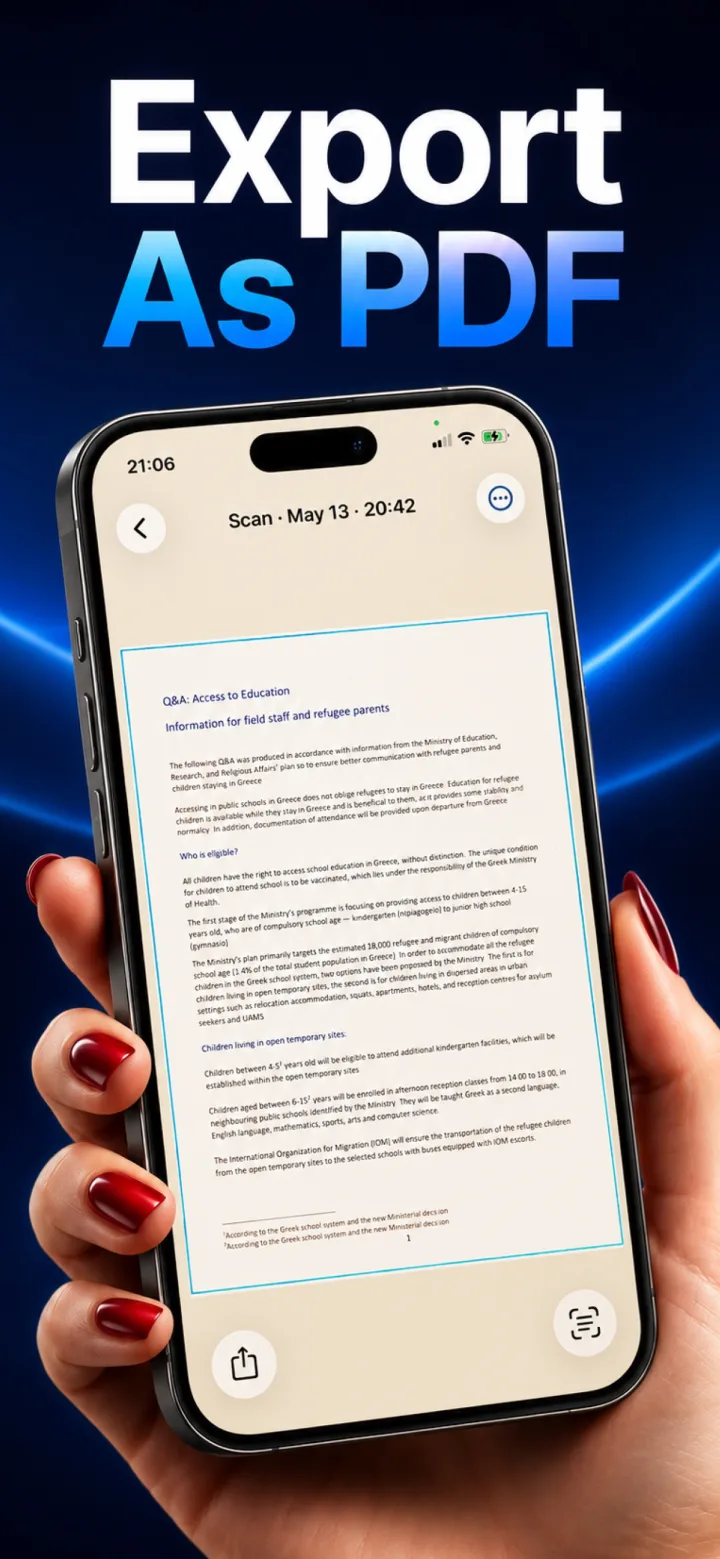
PDF and JPG serve different purposes for a scanned document — the right choice depends mostly on whether you're sharing a single image or a proper multi-page document.
When JPG makes sense
A single-page scan meant to be viewed as an image — quickly texting a receipt, posting a photo of a page — works fine as a JPG, and keeps the file small and universally viewable.
When PDF makes sense
Multi-page documents, anything meant to be printed, or anything that should carry embedded searchable text (via OCR) belongs in PDF format — it's the standard for documents specifically because it preserves layout and page order reliably across devices.
File size and quality
A PDF built from scanned images is essentially a container around those same images, so file size and visual quality between the two formats end up similar — the real difference is structure and compatibility with document workflows, not visual fidelity.
Can a PDF contain both images and searchable text?
Yes — this is exactly what OCR-processed scanned PDFs typically do: the visual page is the scanned image, with an invisible selectable text layer embedded behind it from the OCR step.