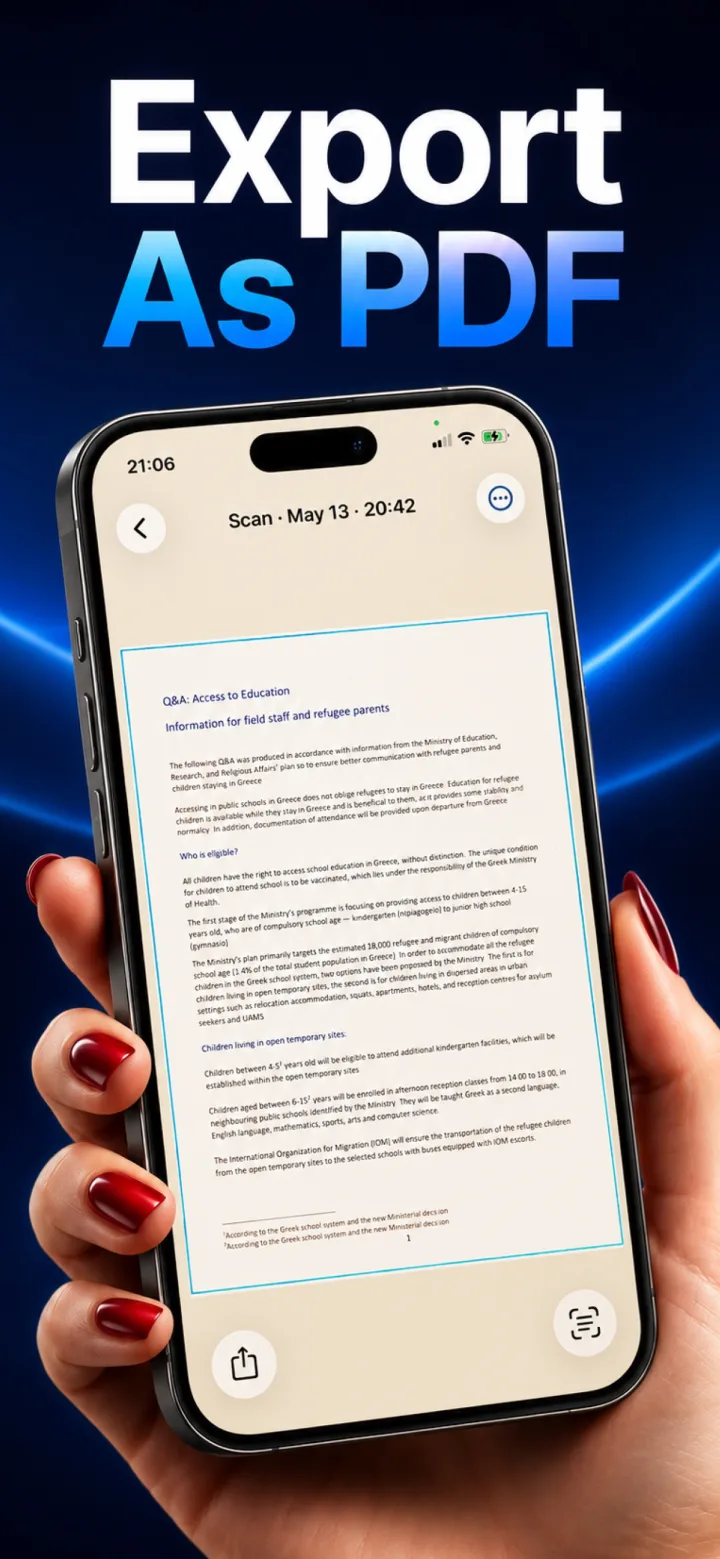
Cloud upload became the default architecture for scanner apps for a mix of technical and business reasons — not because it's the only way to build a good scanner.
Historical technical reasons
Older phones lacked the on-device machine learning hardware needed for fast, accurate perspective detection and OCR, so offloading the work to a server was genuinely necessary for years — modern phone chips have largely closed that gap.
Business reasons
A cloud backend lets a company build account systems, cross-device sync, and — less transparently — collect usage and content data that can inform other products or be monetized, incentives that persist even after on-device processing became technically viable.
What changed
Frameworks like Apple's Vision and Core ML now let modern phones run document detection, dewarping, and OCR entirely locally at real-time speed, removing the original technical justification for uploading — the remaining reasons for cloud architecture are now mostly business ones, not necessity.
If an app processes on-device, why would it need internet access at all?
Legitimate reasons include checking for app updates, processing an in-app purchase or subscription through Apple's StoreKit, or syncing preferences — none of which require your actual scanned documents to leave the device.