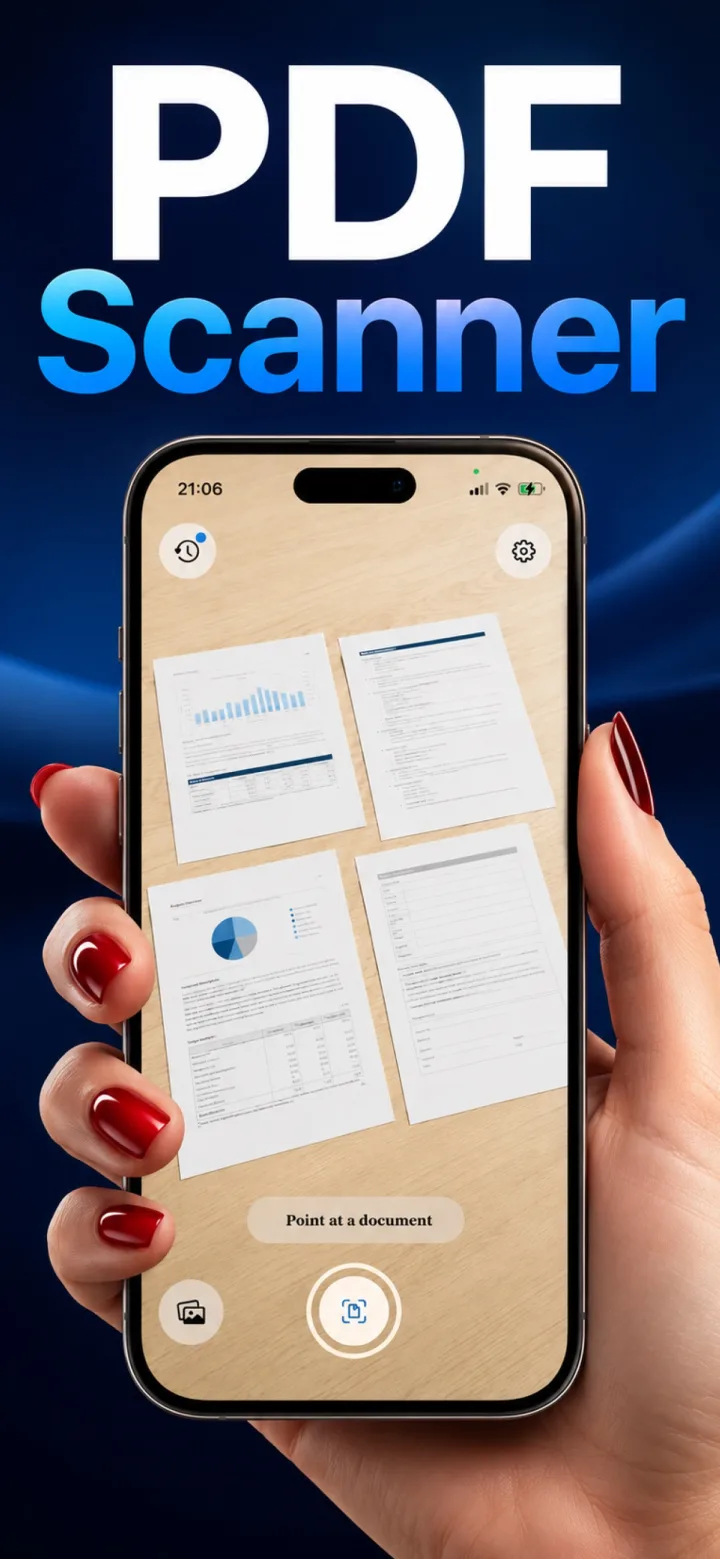
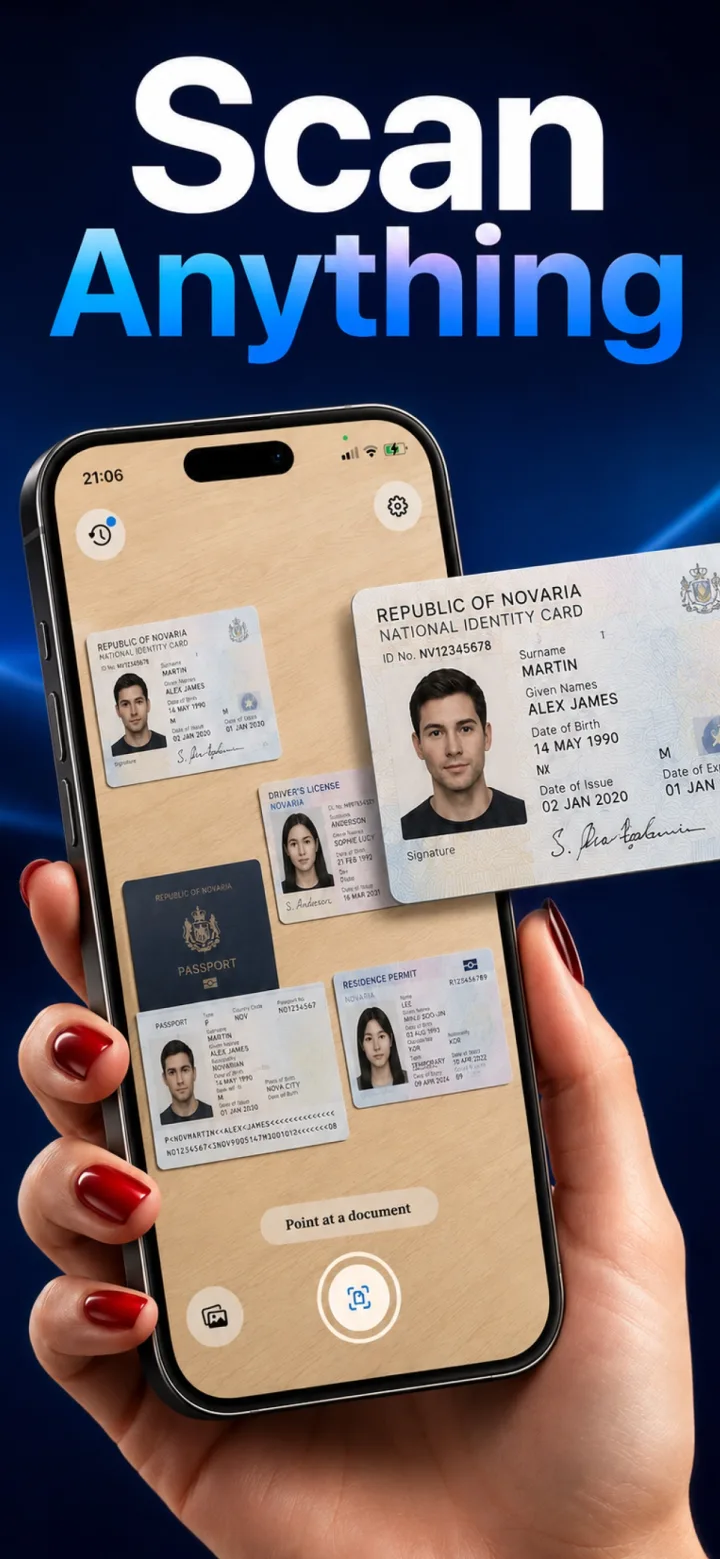
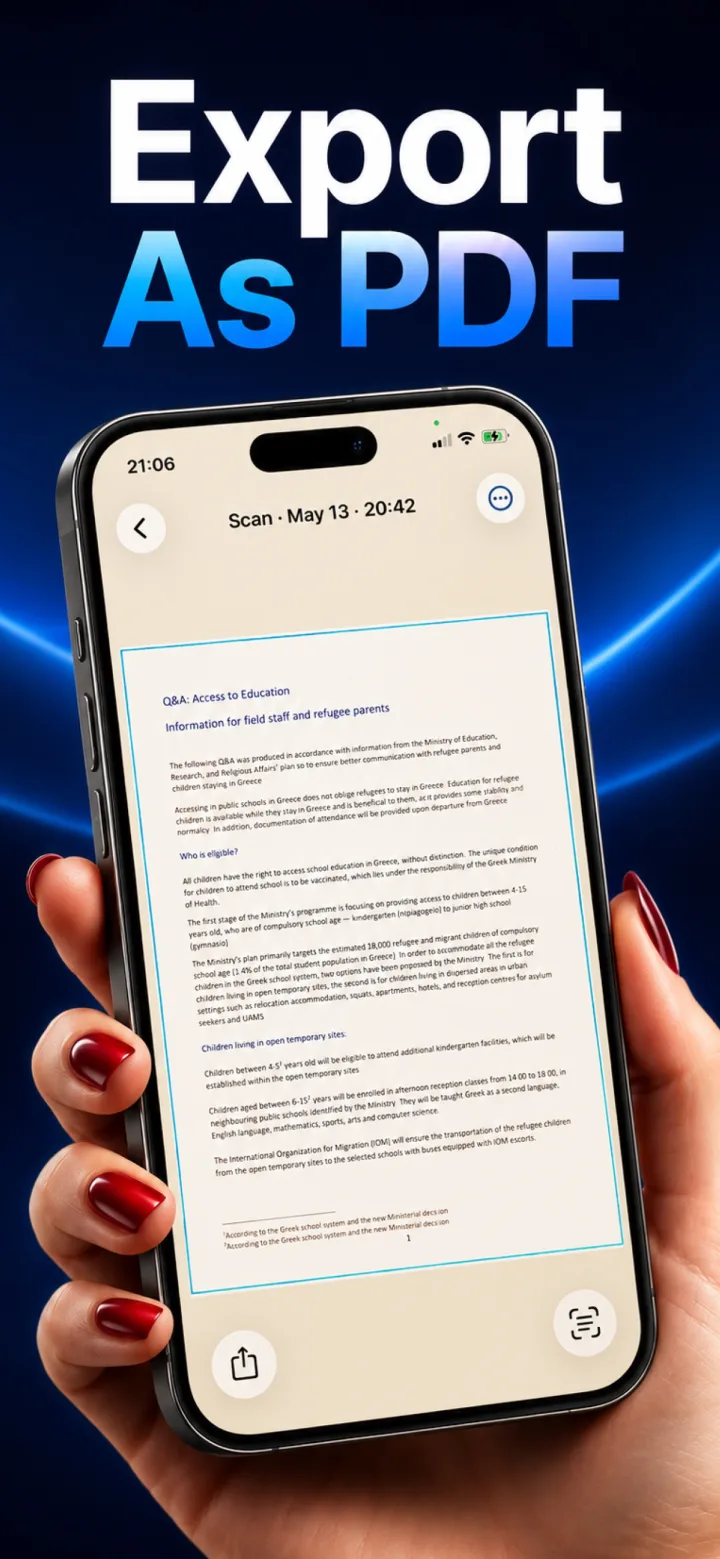
✦ Real App Screenshot
Full Editing Menu on Every Scan
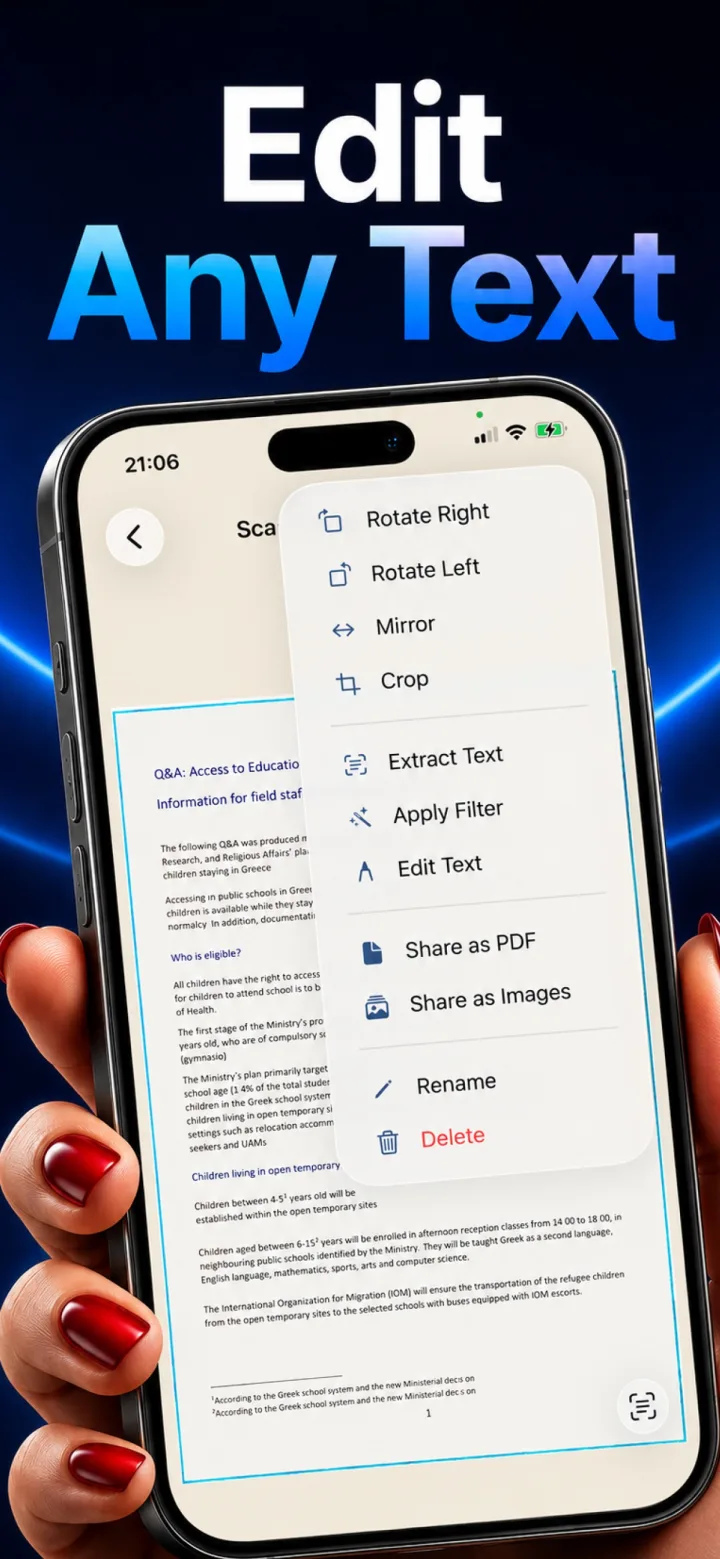
Long-press or tap the menu on any scan for the full editing toolkit: rotate, mirror, and crop to fix framing; Extract Text pulls selectable, searchable text via on-device OCR; Apply Filter switches between Sharp (text-forward) and B&W (clean monochrome); Edit Text lets you cover a printed line and type a replacement, useful for fixing a typo or redacting a name. Share as PDF or Images, rename, or delete from the same menu.
- Rotate, Mirror, Crop for framing fixes after the fact
- Extract Text (on-device OCR) and Edit Text (cover-and-replace) in one menu
- Sharp and B&W filters, plus Share as PDF/Images, Rename, and Delete