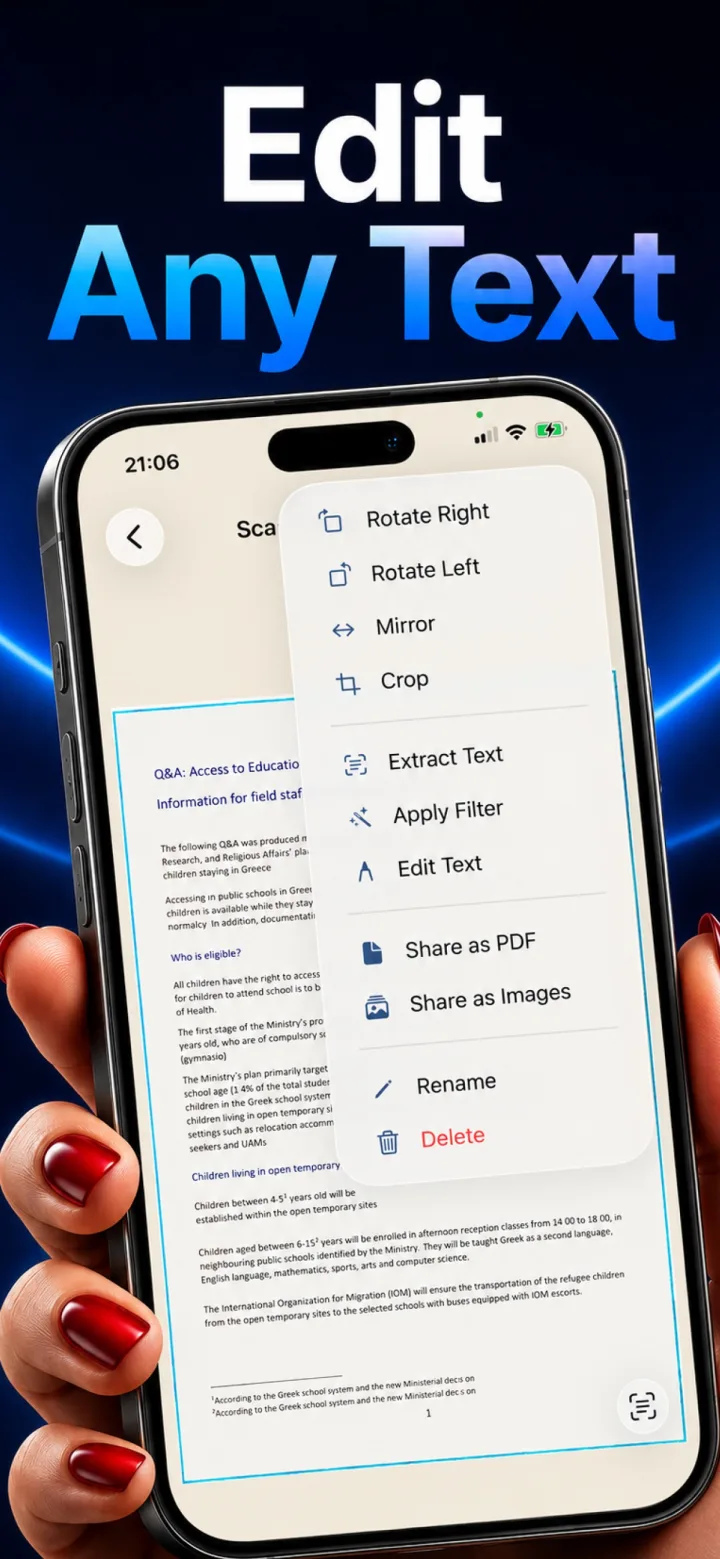
A plain scanned PDF is just an image of a page — visually it looks like text, but there's no actual character data behind it for a computer to search, copy, or select.
Why a scan alone isn't searchable
A scanner captures and saves a picture of the page. Without a separate OCR step, the file contains pixels that happen to look like letters, not the letters themselves as data — Cmd+F simply has nothing to match against.
What OCR adds
Running OCR on the scanned image extracts the actual text and typically embeds it as an invisible, selectable layer behind the visual scan — so the PDF still looks exactly like the original page, but the text underneath is now searchable, copyable, and indexable.
What to look for in a scanning app
Not every scanner app makes searchable PDFs by default — check specifically whether OCR runs automatically or needs to be triggered manually per document if a searchable archive is the goal.
Can you make an already-scanned PDF searchable after the fact?
Yes — running OCR on an existing scanned image (rather than only at the moment of capture) is a standard capability in most scanning apps and dedicated OCR tools.