Live Text is Apple's built-in system feature that recognizes text inside any photo or image on iPhone and lets you interact with it — select, copy, look up, or translate — just as if it were regular selectable text.
How it works
Live Text runs on-device using Apple's Vision framework, scanning the visible image for text regions in real time and overlaying an invisible, selectable text layer wherever it detects characters.
Where you'll encounter it
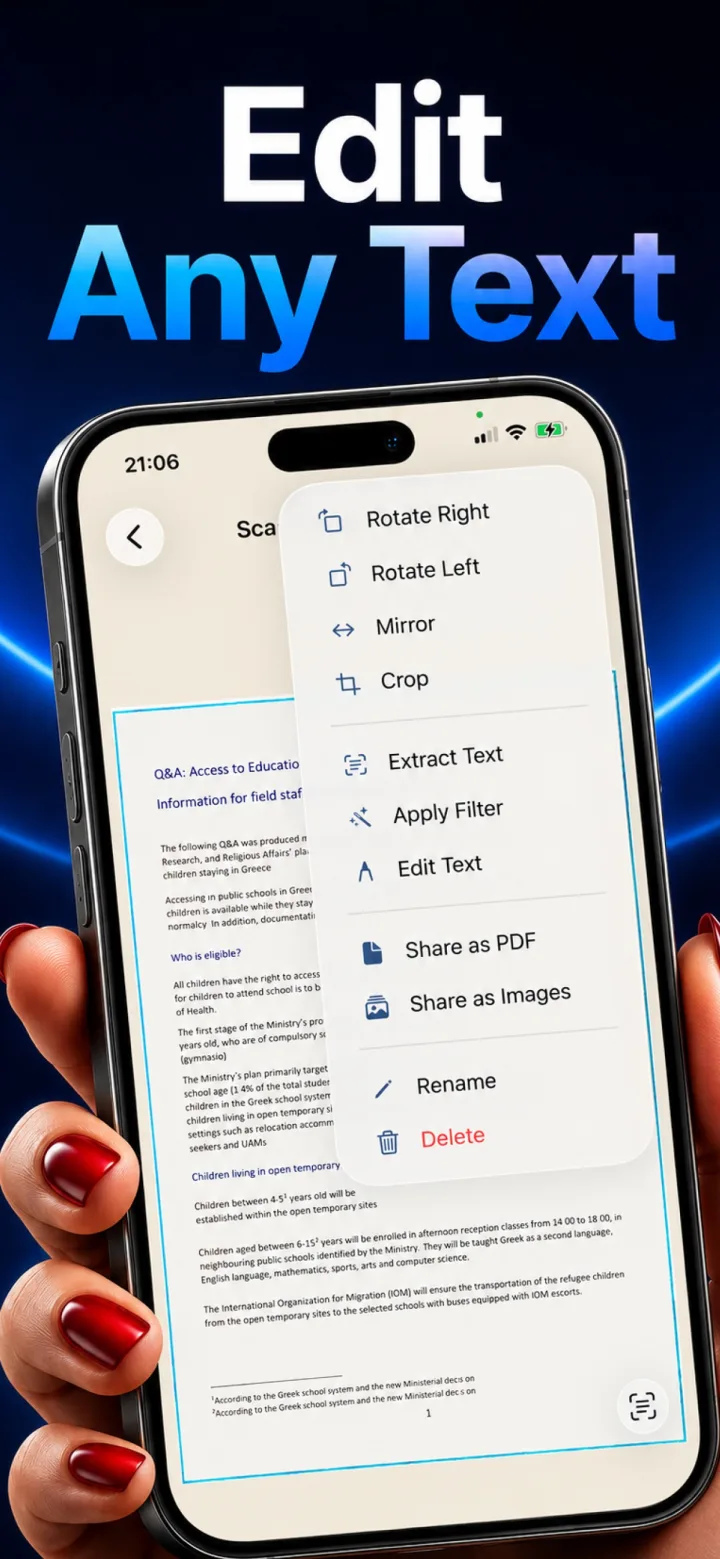
Live Text works natively in the Photos app, and any app can adopt the same system capability for its own images — meaning a scanned document viewed inside a compatible scanner app can offer the same pinch-to-zoom, select-and-copy experience as Photos.
Why it's a meaningful feature for scans
Live Text turns any saved scan into something you can immediately pull a phone number, address, or paragraph of text out of, without needing a separate dedicated OCR step first.
Is Live Text the same thing as OCR?
They use the same underlying technology (on-device text recognition), but Live Text specifically refers to Apple's system-level interactive feature for selecting text directly in an image, while OCR more broadly refers to the extraction process itself, which can also be used to generate a separate searchable text layer or file.